
Looking for a player to follow, an event to play in, a college to play for, or a club near you? The UTR Sports search feature makes it easy to find exactly what you need, faster than ever.
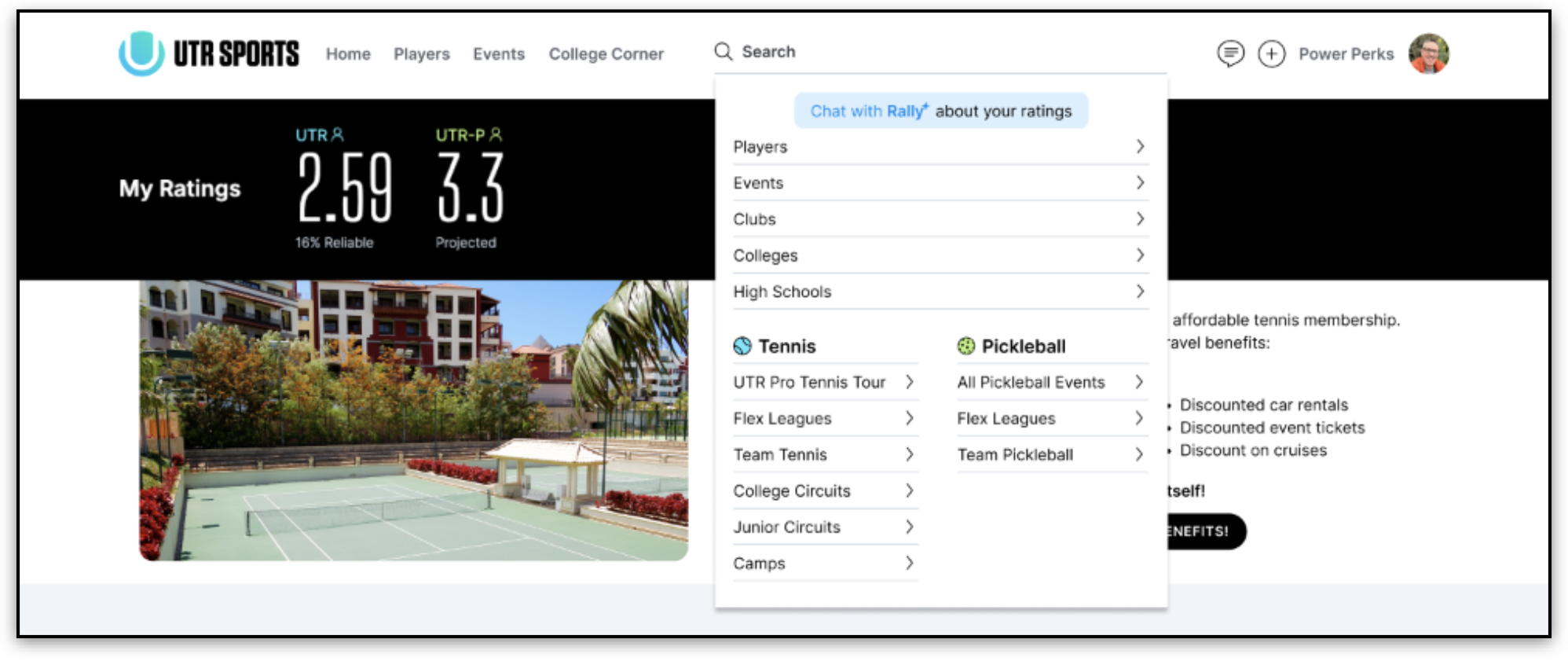
When viewing from a web browser, click on the search bar at the top of the page. You can type in a keyword directly (for example, a player name or event name) or narrow down your search by selecting a category such as Players, Events, Clubs, High Schools, or Colleges.
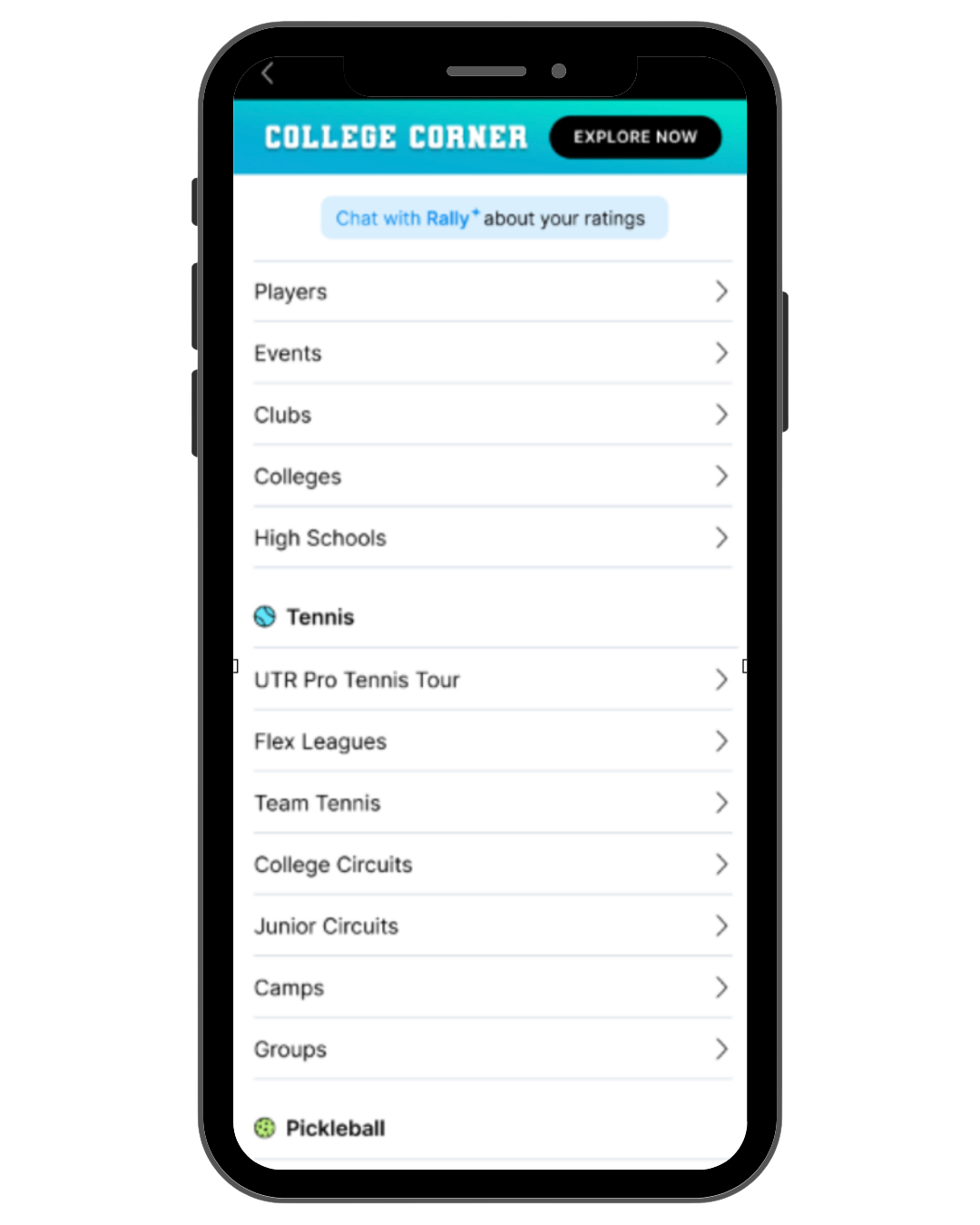
When using the iOS mobile app, tap the magnifying glass icon (upper right) to access search and filtering options.
I. Search for players
To find a player, type their name in the search bar and select the Player filter. You can also click the Player filter first to browse and sort players by:
- Location
- UTR Rating range
- Gender
- Nationality
- College
II. Search for Events, Clubs, Flex Leagues, Paid Hits, and more
When you open the Events search, default filters are automatically applied:
- Sport: Your profile’s preferred sport (defaults to tennis if both are selected)
- Location: Your profile’s location, within a 200-mile radius
- Date: Defaults to Open Registration (events currently accepting signups)
- Sort: Events are ordered by distance
These smart defaults surface the most relevant events instantly. No extra clicks needed.
Quick Filters (One-Click Options)
You can now toggle between common event views with a single click:
- Open Registration: Events currently accepting signups
- Now Playing: Events happening today
- Upcoming: Future events (excluding today)
- Event Series: Events that are part of active circuits/tours (e.g., Flex Leagues, PTT, APP Collegiate)
Note: Only one quick filter can be active at a time. Switching filters clears the previous one.
More Filters (Advanced Options)
If you’d like to refine your search even more, click More to open the advanced filter menu. You can customize your results by:
- Date range (Past, Custom From/To)
- Event Type (Tournament, Camp, Clinic, Match Play, UTR Team Tennis, etc.)
- Ball Type (Yellow, Green, Orange, Red)
- UTR Rating Range (tennis) or UTRP Rating Range (pickleball)
- Verified Event (UTR / Verified UTR)
- Prize Money
- Game Type (Singles, Doubles, Dingles – tennis only)
- Gender (Male, Female)
Note: Quick filters override custom dates, and custom date selections override quick filters.
III. Search for High Schools and Colleges
To explore schools, type the school name or select Colleges or High Schools under the search categories.
You can filter your results by:
- Location
- Gender (team type)
- Division or Conference (for colleges)
Searching from a Mobile App
When searching from the mobile app, tap the magnifying glass icon and choose a category (Players, Events, Colleges, etc.). The same smart defaults and filters apply to event searches.
Pro tip: If you’d like to search without a location filter, click Clear (top left) instead of the “X” next to the text box.
Note: To see nearby events, select Profile Location in Settings to match your current location.
Looking at registering for a UTR Sports event? You can check this article for instructions.