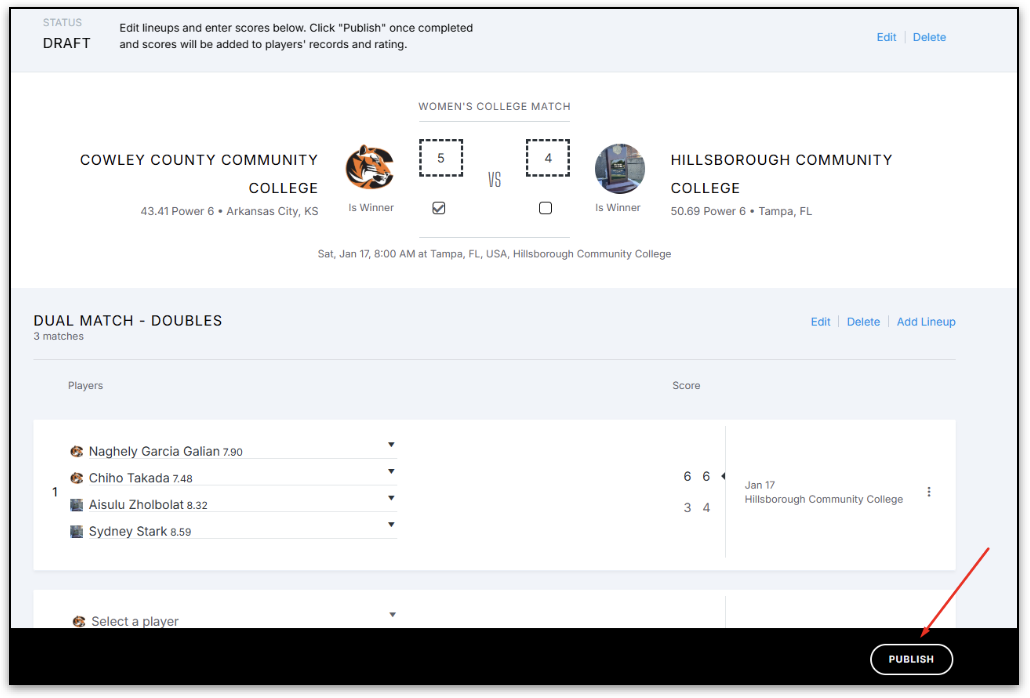
The winning team’s coach is responsible for entering the dual match scores into the UTR portal within 48 hours, following the steps below:
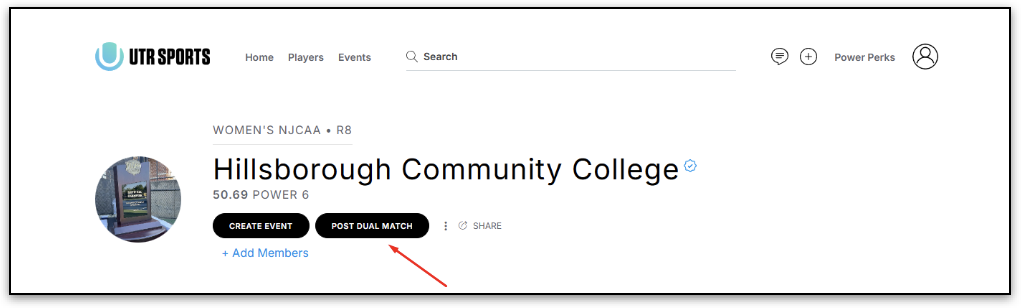
- Click on the Post Dual Match button on your college club page
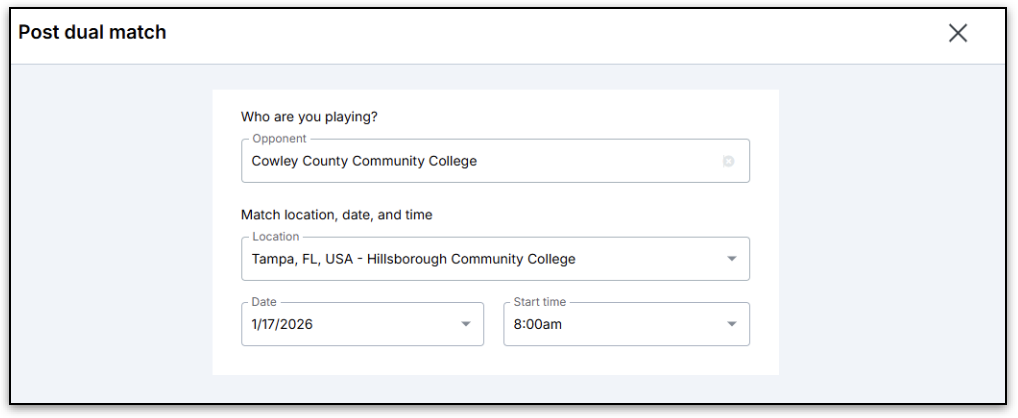
- Select the name of the opposing college team, and enter the match location, date, and start time
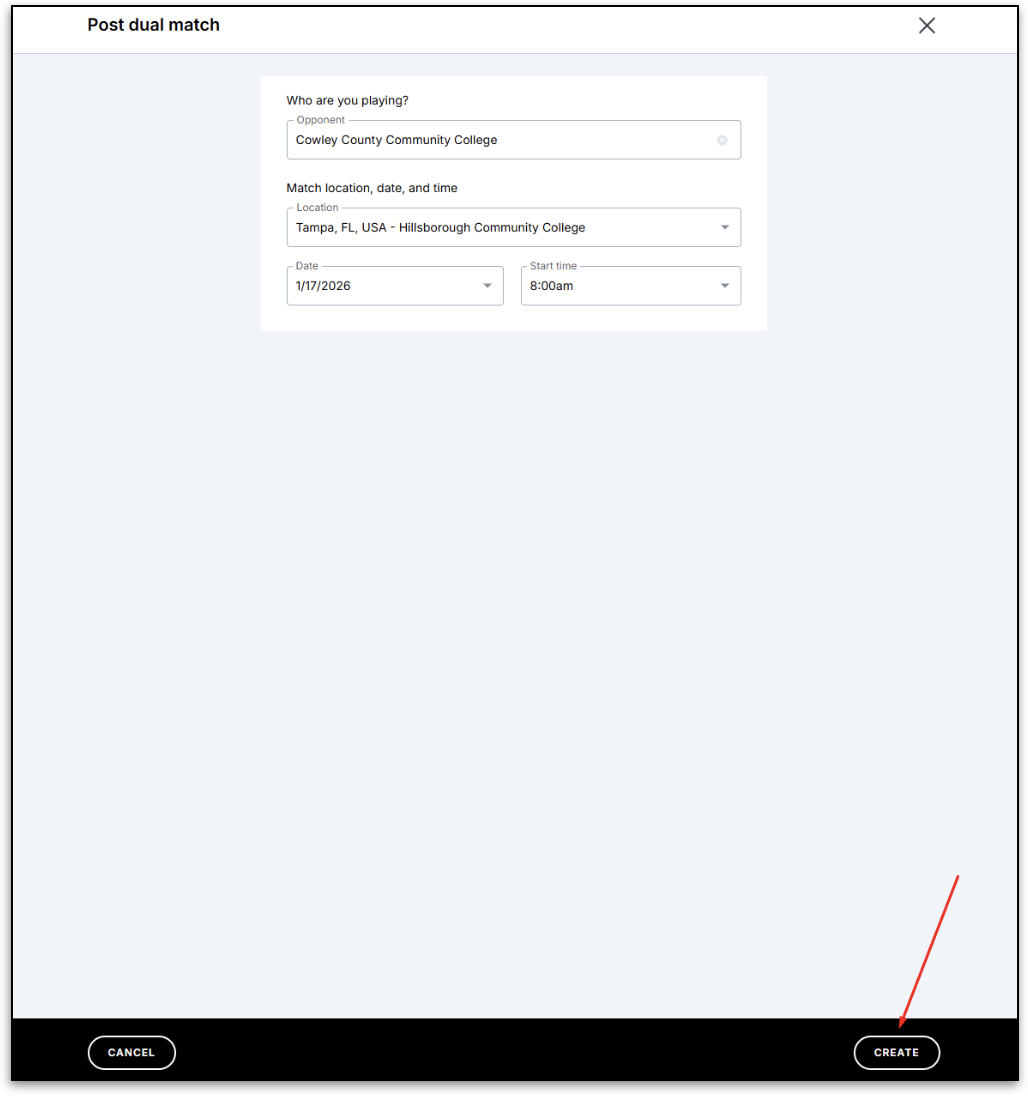
- Click the Create at the bottom right of the page
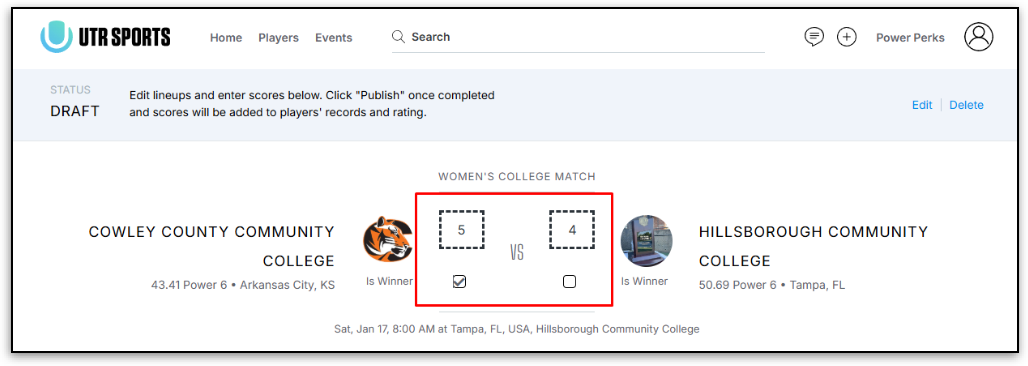
- Enter the team score and check off the winning team
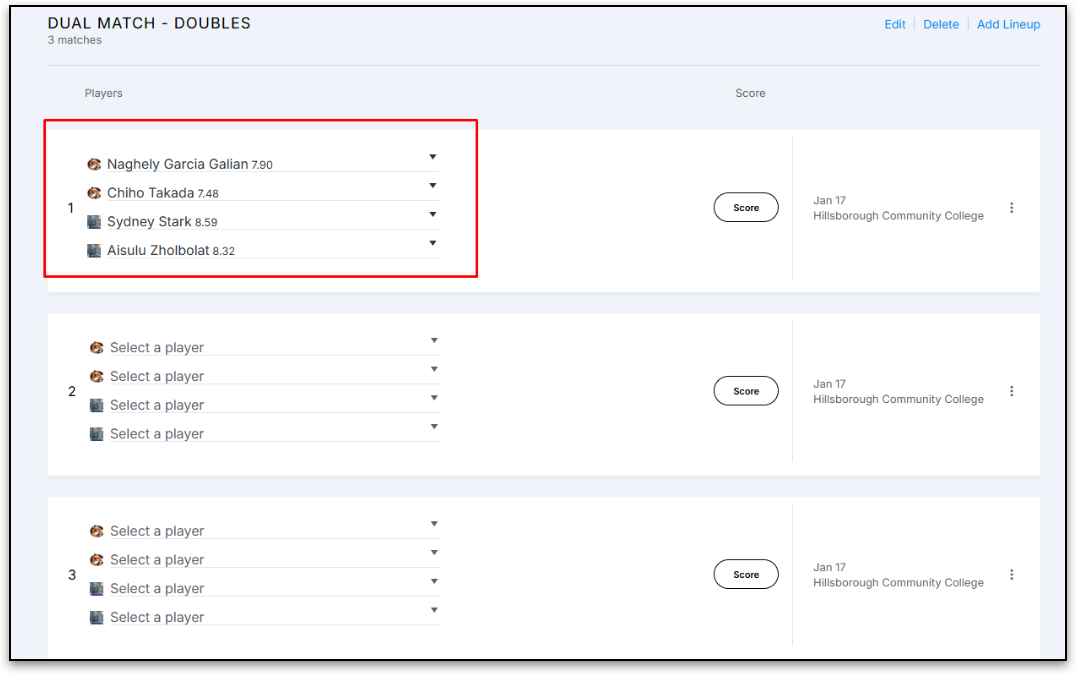
- Select players for each of the individual singles and doubles matches
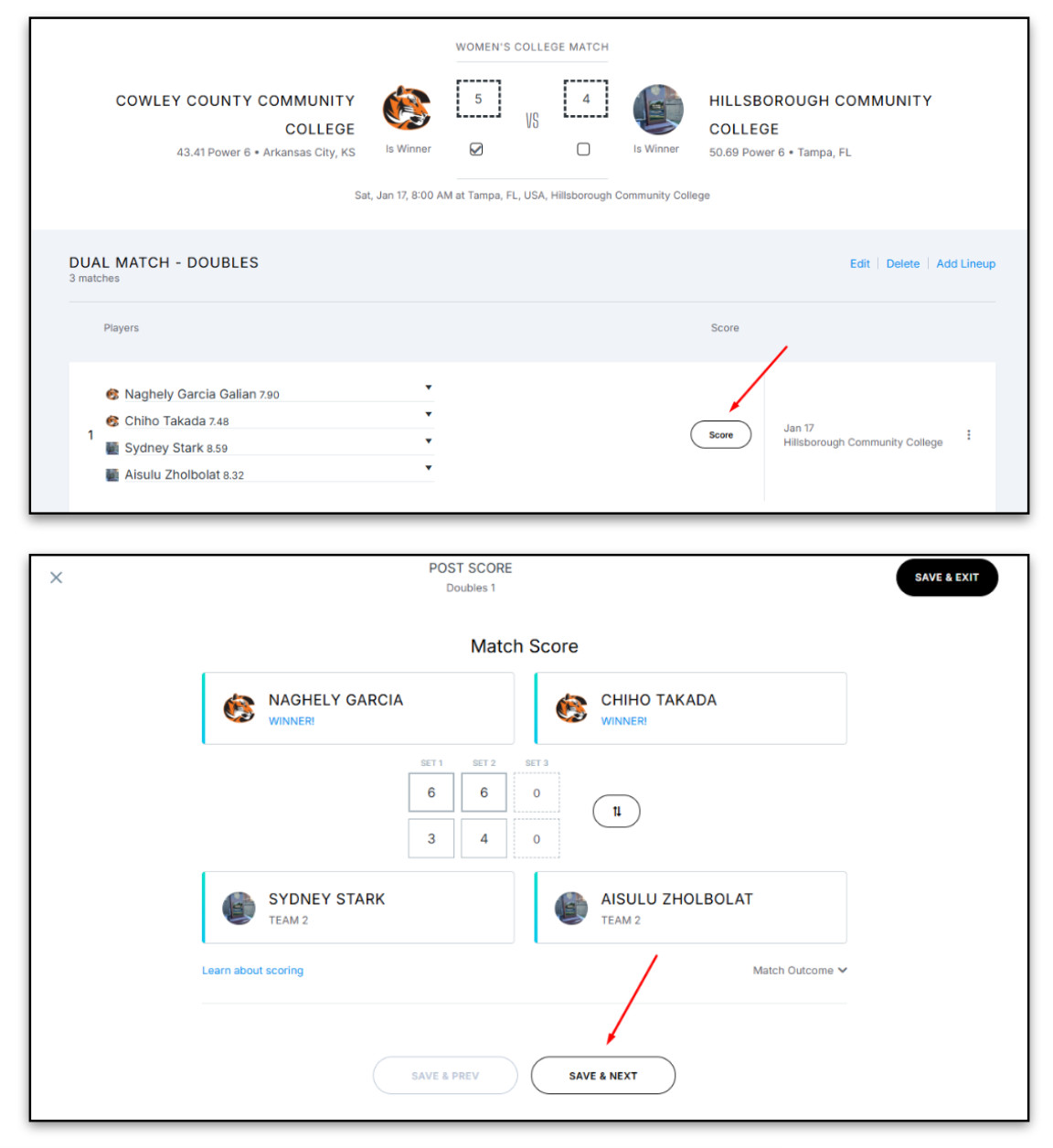
- Enter the scores for each of the matches by clicking on Score next to the matches, and then click on Save & Next
- Once all the individual match scores have been added, click Publish to post them. Please note that if the Publish button is not clicked, then the match results will not appear on player profiles or be counted towards their player ratings.